How Do I Select A Report To View?
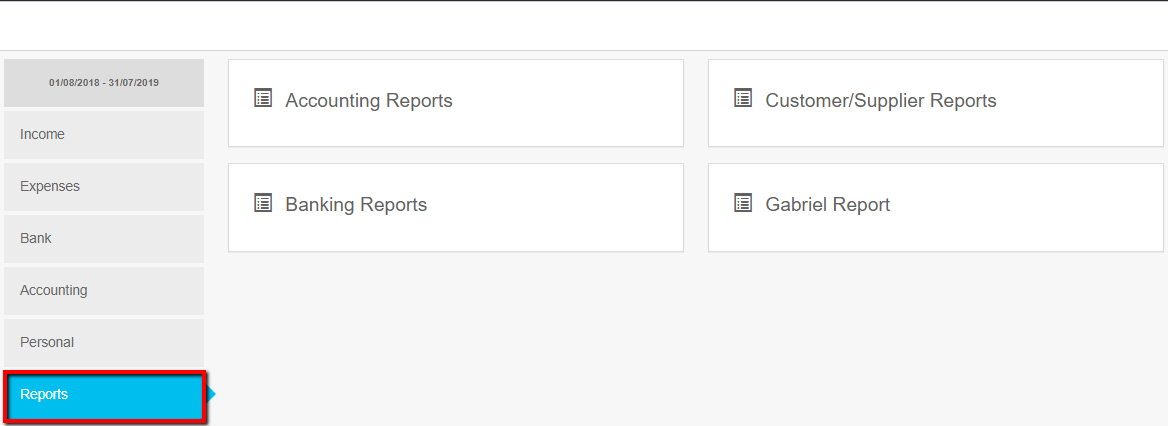
- Click Reports
- Click on one of the 4 report types and select the report from the pop up list
Related Articles
How do I print my RegData Report?
Print the IFA Report using the following steps * Click Reports * Click RegData Report * Click View Report * Click Print
MTD Dashboard - How do I delete an MTD VAT return that has not been submitted?
If you have added or amended transactions you many want to rerun an MTD VAT return. Select the VAT return to be deleted by clicking the orange view report button, then click the red DELETE button
MTD Dashboard - How do I prepare or view MTD VAT returns?
After the system has been setup for MTD please use the MTD for VAT Dashboard accessible from the left hand (main) menu to prepare, view and submit MTD VAT returns. The traditional location of VAT reports remains on the system (Reports/VAT) but only ...
How Do I Run A Balance Sheet Report?
Click Reports Select Accounting Reports Click Run Balance Sheet Amend the End date if a current period report is required - the start date is fixed. Click Generate Report. Notes: Closed periods can be reported on by selecting them from the drop-down ...
Treatment Of Corporation Tax In The IFA Report
1) Year-end tax accrual The system produced IFA Report (RegData) has within it a Corporation Tax accrual. This adjustment is internal to the report only and is not made in the books of account. The adjustment reduces retained profits and increases ...